
How to Use Ideogram 4
The whole point of Ideogram 4 is text that actually reads. This guide walks you from your first prompt to finished posters — how to quote the exact words you want, control font style and placement, and choose the aspect ratio and rendering speed that fit the job.
Plan on about ten minutes.
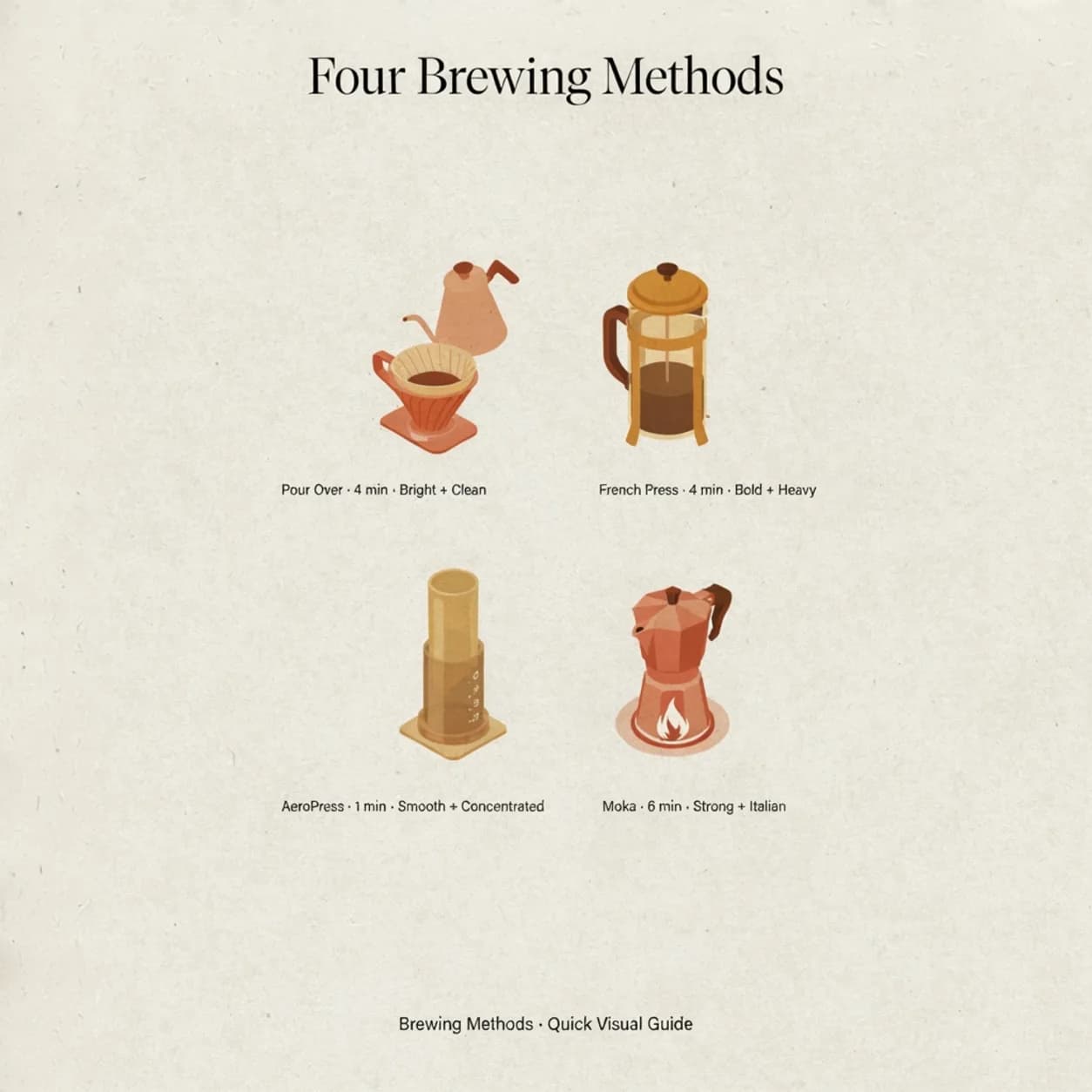
Before You Generate Your First Image
There is nothing to install. Ideogram 4 runs in the browser on any modern machine — no GPU, no API keys, no setup. Your first image costs nothing and needs no account; create one when you're ready and you'll land 10 credits to keep exploring. The model loves a clear, scene-like description rather than a pile of adjectives, and it really shines when you tell it the exact words to print. Put any headline, label, or sign you want rendered inside double quotes, and Ideogram 4 will spell it correctly instead of inventing letters.
Just a Browser
Works in Chrome, Safari, Firefox and Edge — desktop or phone. Nothing to download.
One Free Image
Your first render is on us, no account needed. Sign up to claim 10 credits. No card.
A Description, Not a Tag Dump
Describe the scene like you'd brief a designer. Quote the words you want printed.
The Ideogram 4 Workflow, Step by Step
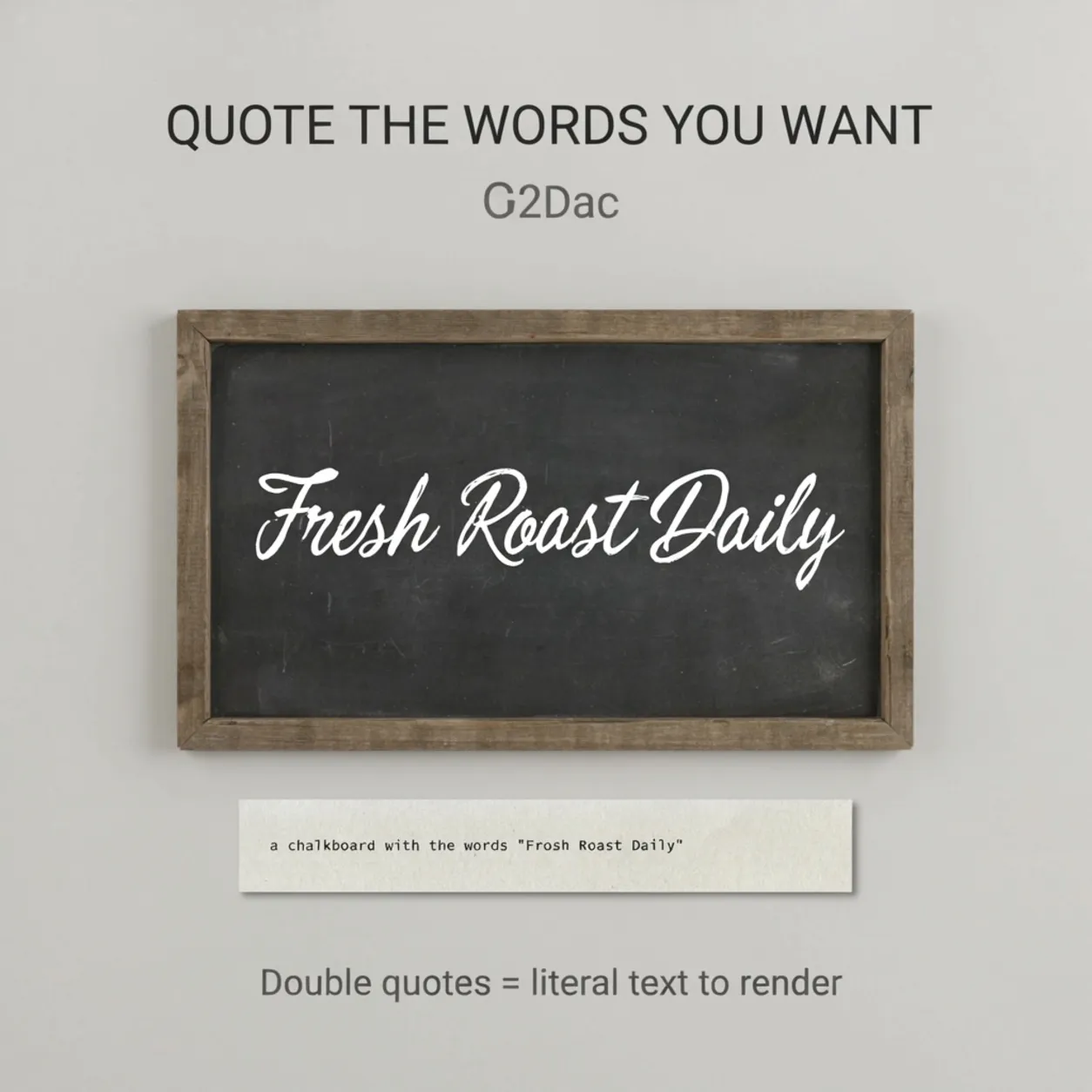
Four moves take you from a blank box to a finished file. Open the generator on the homepage, write a prompt that names the subject and the exact text in quotes, set your aspect ratio and pick a rendering speed (Turbo, Balanced, or Quality), then hit generate and download. A prompt that works well: an event poster for a jazz night, deep navy background with gold art-deco borders, large centered headline reading "MIDNIGHT SESSIONS" in an elegant serif, smaller line below reading "Live · Friday 9PM".
Open the Generator
It's right on the homepage. Prompt box, aspect-ratio chips and a speed selector in one view.
Describe It, Then Quote the Text
Say what the image is, then put the exact words to print inside double quotes.
Pick Ratio & Speed
Choose an aspect ratio for the format, then Turbo for fast drafts or Quality for the cleanest type.
Generate & Download
Review the result, tweak a word or two if the wording needs it, then save the file.
Getting Sharp, Readable Typography
Three habits that take your output from "close enough" to ready to publish.
Mistakes That Trip People Up
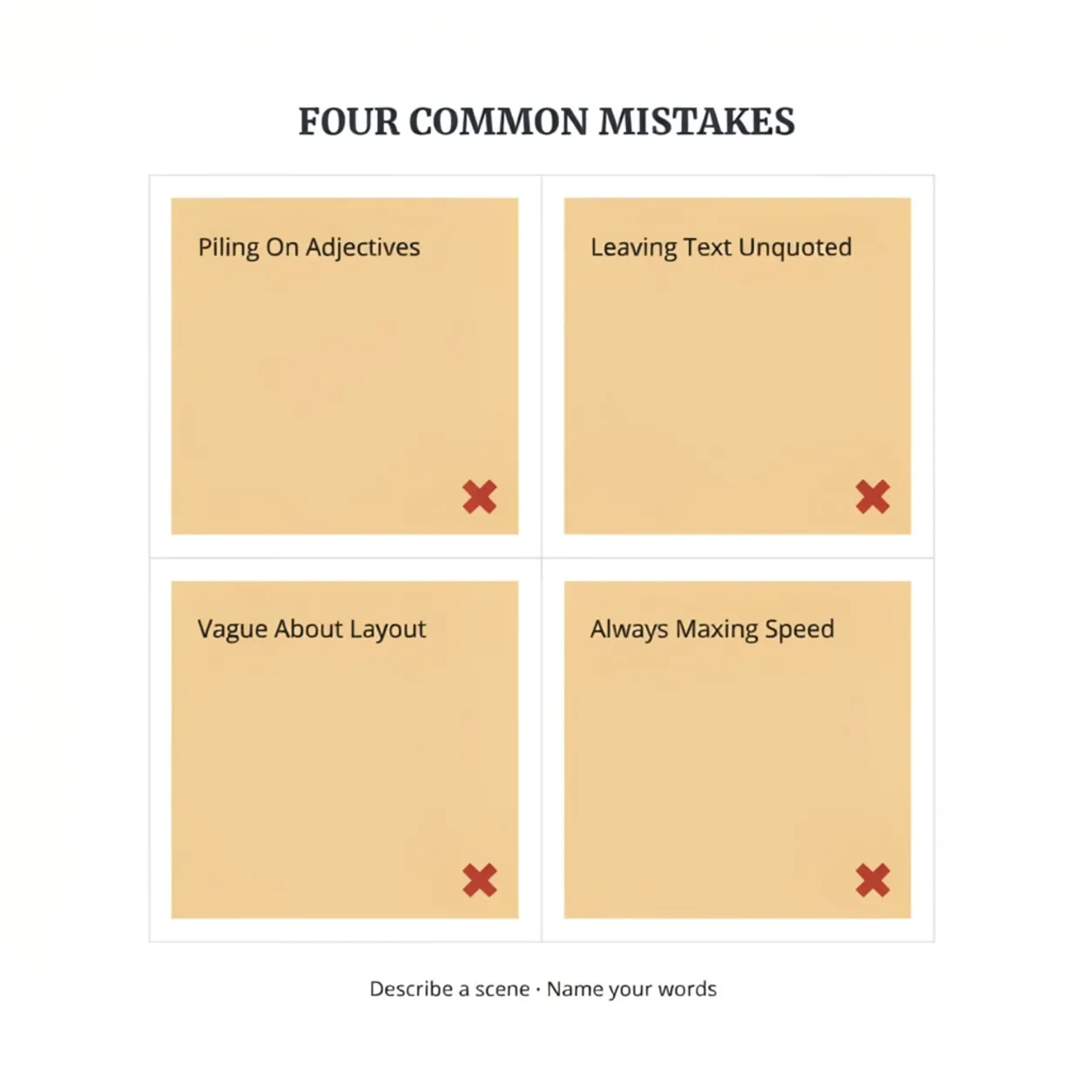
A handful of habits quietly hurt results, and most are invisible until someone points them out. Clear these and Ideogram 4's real strength — clean, legible text inside a well-composed image — comes through right away. The throughline is simple: describe a scene, name your words, and don't overload the prompt with filler the model just has to wade through.
Piling On Adjectives
"stunning, ultra-detailed, masterpiece, 8K" adds nothing. Describe a real scene instead.
Leaving Text Unquoted
Words without quotes turn into scrambled letters. Always wrap literal text in double quotes.
Vague About Layout
If you don't say where the text goes or how it should look, you'll get a coin-flip composition.
Always Maxing Speed
Quality is slower and pricier. Save it for the final pass; iterate at Turbo.
Ideogram 4 How-to FAQ
Short answers to the questions people ask most while using Ideogram 4.
Wondering how Ideogram 4 compares to other models for text rendering? See the Ideogram 4 vs GPT Image 2 comparison. For recent prompt improvements, new rendering modes, and capability additions, check the Ideogram 4 updates log. Ready to try what you've learned? Generate a free Ideogram 4 image — no signup needed. Need a character to stay consistent across scenes and styles? See Ideogram Character. Satisfied with the results and ready to pick a plan? Review Ideogram 4 pricing for credit packs and subscriptions. Curious who built this generator? Visit the about page.
Try Ideogram 4 Now
One free image, no signup required. Sign up and get 10 credits to keep going.